
That's the trap of a flat backlog. Jeff Patton, who popularized story mapping, points out that a flat list makes it nearly impossible to spot when important stories are missing, because it explains individual features but not the system as a whole.
Agile user story mapping fixes this by turning a list into a picture. It's a visual technique that lays user activities across a horizontal timeline, with the stories supporting each activity arranged underneath. The result is a map of the user's journey, not just a queue of tasks waiting to be built.
For product teams coordinating work across several squads, story mapping provides a shared view of the customer workflow. This guide explains how to connect existing backlog items to that workflow, identify gaps and agree a coherent scope for delivery.
Key Takeaways
- A story map places the user's journey horizontally and stories, alternatives, or priority levels vertically.
- Backlog items stay tied to user needs instead of reducing plans to a context-free list.
- Building one takes input from product, design, engineering, and customer-facing teams, not a solo exercise.
- Use the map for release planning; it isn't a roadmap, journey map, or backlog on its own.
What Is Agile Story Mapping, and Why Take It On Now?
Agile user story mapping is a two-dimensional plan built around the activities a user completes to reach a meaningful goal. Stories are grouped by the step of the journey they support, so a missing step shows up as an empty column.
Agile Alliance traces the idea to Jeff Patton's 2005 work, with his named, illustrated version in 2008. Activities run horizontally; stories sit vertically under them.
The Horizontal Axis: The User's Journey
Across the top of the map, activities run in the order a user actually experiences them. For a B2B SaaS product, that backbone might look like:
- Discover the product
- Evaluate against alternatives
- Sign up and onboard
- Configure the workspace
- Achieve first value
Read this line left to right as "then." The user discovers the product, then evaluates it, then signs up.
The Vertical Axis: Priority and Alternatives
Below each activity, cards represent smaller tasks, stories, or ways to complete that step. Teams usually use vertical order for one of:
- Alternative ways to complete the activity
- Relative priority, high to low
- Increasing sophistication, basic at top
- Later release options
Pick one convention and say it out loud. A map where half the team reads "top" as priority and the other half reads it as simplest is a map nobody trusts.
Why This Beats a Flat List
Once the whole team reads the map the same way, structure does work a flat list cannot. A backlog can rank every story perfectly and still defer three critical dependencies. A story map keeps each card tied to the activity it supports and the release it belongs to.
That visibility enables a walking skeleton: the smallest end-to-end slice that lets a user finish the core journey—not a pile of disconnected "high priority" features that never add up to something usable.

How Does an Agile User Story Map Work?
A working story map has five components, each answering a different question.
The Five Building Blocks
- User or persona - whose journey is this? Map one persona at a time; combining an admin's journey with an end-user's journey in one map confuses both.
- User goal - the outcome this person wants, such as getting a new hire productive inside a SaaS workspace within their first week.
- Backbone - the major activities or epics, placed in journey order across the top.
- Tasks and stories - smaller actions or solution options, placed under the relevant backbone activity.
- Release or priority slices - horizontal cut lines or swimlanes separating MVP, next release, later, and not-now work.
Reading the Map: "Then" vs. "Or"
Move across the backbone and you're reading "then": the user invites a teammate, then assigns a role, then the teammate logs in.
Move down a column and you're often reading "or": send an email invite or generate a shareable link or bulk-import via CSV—three ways to accomplish the same task.
A story underneath a card might read: "As a workspace admin, I want to bulk-import teammates via CSV so that I don't invite twenty people one at a time." That's enough detail to plan around. The map isn't meant to hold a full requirements document.
What the Map Reveals
Walking through a finished map with the whole team tends to surface things a backlog review misses:
- Missing steps between two activities that looked adjacent but aren't
- Dependencies where a "later" story blocks an "MVP" one
- Edge cases and failure paths nobody had written a card for
- Stories that look valuable alone but don't add up to a usable journey
That connects to what Shorter Loop calls product integrity: any item a team is building can be traced back through the claims it rests on to evidence that still holds.
On a story map, that means a card earns its place only if someone can still answer:
- Why it's there three sprints later
- What evidence supports it
- Which claims behind it have no evidence yet
- What outcome would show the bet worked
A map that loses that context turns back into a flat list with extra whitespace.
How to Create an Agile User Story Map
Step-by-Step
- Start with a focused user, goal, and outcome. Pull in customer research, support themes, product analytics, and sales insight before the workshop, so the team is mapping customer reality instead of the loudest opinion in the room.
- Build the backbone. Ask the group to narrate the user's journey from first trigger to successful completion. Capture activities as short phrases; leave implementation detail out of this pass.
- Add tasks and stories under each activity. Group duplicates, clarify vague cards, and separate user-facing needs from technical enablers.
- Walk the map with alternative personas and failure paths. Mark missing functionality, open questions, dependencies, and assumptions that still need testing.
- Prioritize collaboratively. Weigh user value, business relevance, confidence in the evidence, risk, dependencies, and effort. Stakeholder urgency alone isn't proof of priority.
- Slice the map into an MVP and later releases, protecting the complete journey instead of cherry-picking isolated high-value cards. Eric Ries's original framing is useful here: an MVP should maximize validated learning with the least effort, not just minimize feature count.
- Convert selected stories into sized backlog items, keeping each one linked to its activity, evidence, and intended outcome. Keep the map alive for refinement and sprint planning, not a one-time poster.

A B2B SaaS Example: Onboarding a New Teammate
Picture a workspace admin's journey: invite a teammate, assign a role, teammate logs in, teammate completes a core setup task, team starts collaborating.
The first release, the walking skeleton, might only support:
- Email invite with a single default role
- Basic login
- One guided setup task
Advanced permissions, bulk automation, and usage reporting get pushed to later slices, not because they're unimportant, but because the admin can already reach the goal without them.
Why Use User Story Mapping?
The biggest benefit is shared understanding. When product, design, engineering, and customer-facing teams look at the same map, they're arguing about the same journey instead of talking past each other in separate tools.
Story mapping also makes release planning honest. Gaps, dependencies, and incomplete journeys show up on the map before the team commits to a sprint, not after a customer reports a broken flow in production.
Used well, mapping also makes the team write down why each card is on the map.
Here's how that looks in Shorter Loop's demo workspace, which uses fictional data to show the product. A feature called Guided Integration Setup rests on the claim that setup friction hurts retention. No evidence has been linked to that claim, so its state is untested: the team is acting on a belief, not a finding.
In the demo data, integration completion rises 18% once the release ships, while 30-day retention barely moves over the same period. Linked to the claim, that result contradicts it, and the claim's state changes to evidence disagrees. That gap between the predicted and the observed outcome is the kind of thing a flat backlog buries. Because the release is linked to its claim, the gap shows up next to the claim it was supposed to support.

User Story Mapping vs. Other Agile Planning Tools
Story maps often get confused with three other artifacts. They overlap, but they aren't interchangeable.
| Artifact | What it organizes | How it differs from a story map |
|---|---|---|
| Product backlog | An ordered, emergent list of work (per the Scrum Guide) | Manages actionable items but drops the journey context and relationships a map preserves |
| Customer journey map | Experience, emotions, touchpoints, pain points | Explores how a customer feels; a story map translates a chosen goal into prioritized product work |
| Product roadmap | Strategic direction, themes, and initiatives over time | Communicates where the product is going; a story map shows the detailed path to get there |
A story map can feed a roadmap. The activities and slices you identify often become the themes leadership sees. A roadmap still communicates direction; a map remains a working planning document.
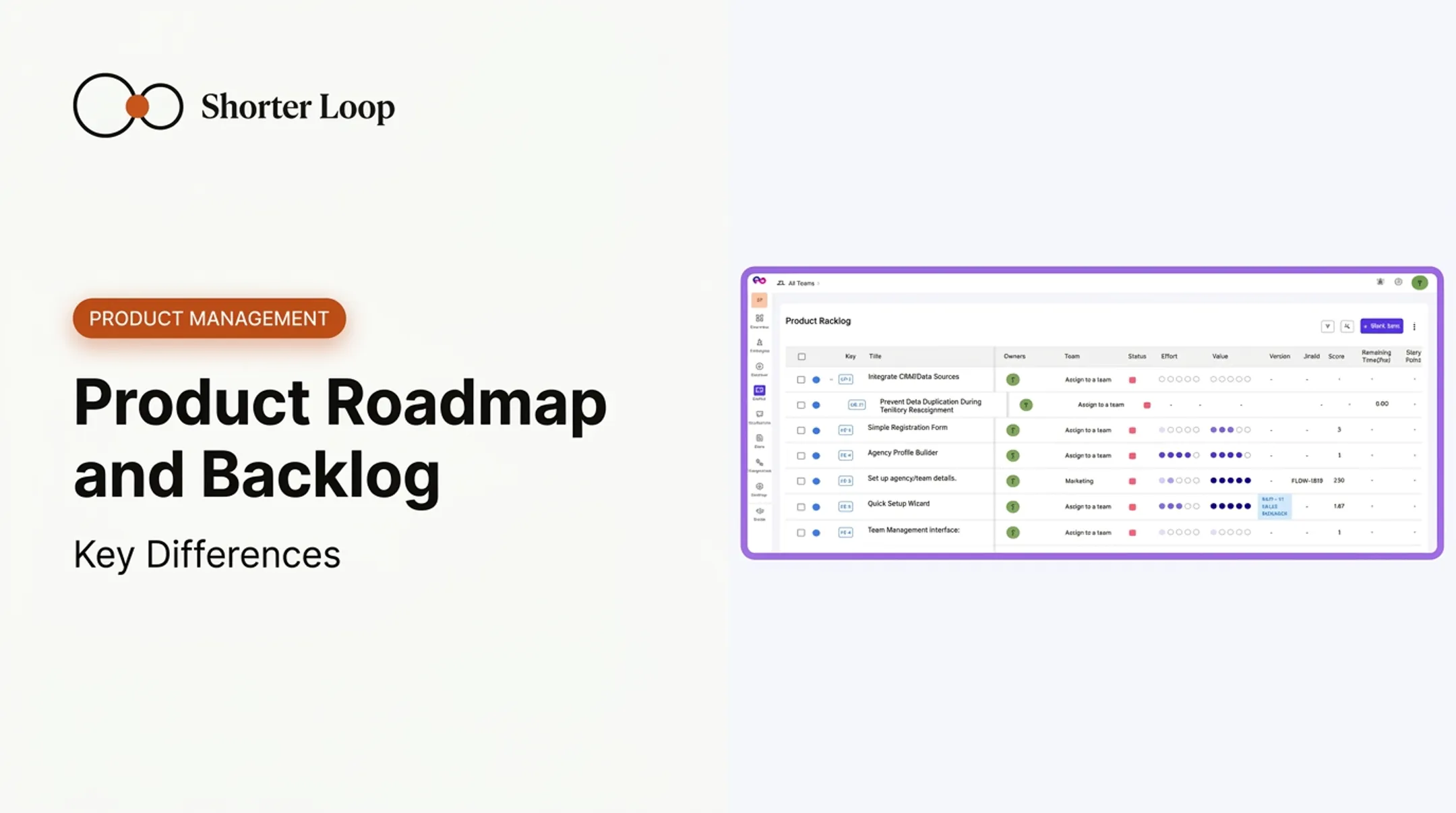
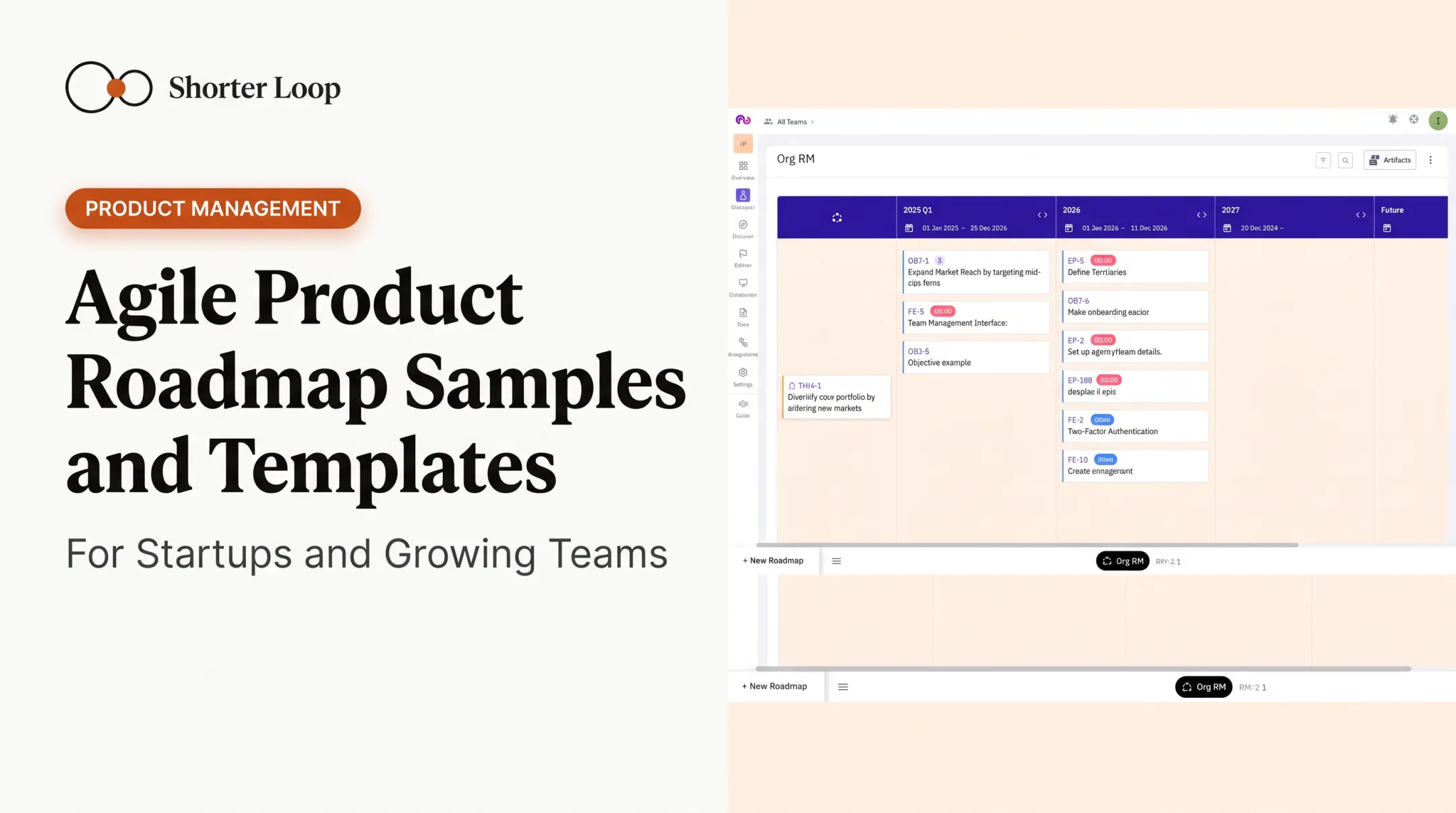
In Shorter Loop, a roadmap is a board created from a Now / Next / Later or Timeline template, with time-box columns and theme rows carrying objective lanes, drawing on the same objectives, epics, and features the story map organizes, so a release row on the map doesn't have to be presented as a fixed date promise. Shorter Loop is a Product Integrity System rather than a whiteboard tool. If you'd like to map a real release that way, start a 14-day trial.
Story Mapping in Shorter Loop
Keep the map connected to the customer problem and the backlog items that address it. Record the user's goals, the activities needed to reach them and the stories supporting each activity. Review the proposed scope with product, design and engineering before committing it to delivery.
What that buys you over sticky notes is the links either side: each card traces back to the opportunity and the evidence that justified it, and forward into the Product Backlog, where epics and features sync two-way with Jira, GitHub or Azure DevOps. For a first in-person session, sticky notes are still fine; move the map in once you want those links to persist.
Common Mistakes When You Inherit an Unmapped Backlog
Turning every old ticket into a card. An inherited backlog makes it tempting to copy each ticket onto the map and arrange them. Start from the user's goals instead, then place the existing tickets under the goal they serve. Tickets that fit under no goal are the first ones to question with whoever filed them.
Mapping the whole product in one sitting. Pick one solution and one persona for the first map. In Shorter Loop a story map belongs to a single solution, and a solution can hold several maps, so a second journey gets a map of its own on the solution it serves.
Letting each team draw its own version. When two teams share a journey, agree one map and name an owner for each goal column.
Leaving the map behind after the first release. Reopen it when a release ships and its outcome comes in, or when evidence goes against a claim the first-row stories rest on. The epics, features and user stories you create on the map are real Product Backlog items, so updating the map updates the work itself.
Before the next planning cycle, take the top three cards in your first release row and write one line under each naming the evidence behind it. The card you can't write that line for is the one to test before the sprint starts.
Frequently Asked Questions
When is a story map worth building instead of refining the backlog?
Build one when the team can rank every ticket but still cannot say which customer journey the next release completes. The map is worth the afternoon when you are slicing a release, inheriting a backlog nobody has mapped, or arguing about scope across two teams. For steady refinement of work the team already understands, the backlog is enough.
How do we map when several teams own parts of the same journey?
Map the customer's journey once, then agree which team owns which goal column rather than giving each team its own map. Where a release row cuts across two teams, the dependency is the thing to write down, because that is what slips. Review the map together at the start of a planning cycle, not after each team has already committed.
How do we keep the map linked to the evidence and the backlog?
Keep each card attached to the opportunity it serves, so the reason a story exists survives the planning session. In Shorter Loop each solution has its own story map, and the epics, features and user stories you create on it are real Product Backlog items, each with its own Evidence tab.